Works with the camera
you already run.
Any GoPro clip with GPS recorded in the original file.
- Full analysis
GoPro HERO11 Black
Records a fix quality and a time with every GPS sample, which are used when they are there.
- Full analysis
GoPro HERO5 to HERO10 Black
GPS and motion data, with GPS switched on in the camera’s settings.
- Video only
GoPro HERO12 Black
This model has no GPS. Add an AiM or Alfano logger CSV for the analysis.
- Not supported yet
DJI Osmo Action
On the list, not built yet. Its GPS depends on the model and accessories.
- Video only
Other cameras
Pair the footage with a logger CSV that has GPS in it.
Before you head out.
- 1
Turn GPS on
It lives in the camera’s preferences, and some models ship with it off.
- 2
Wait for a GPS lock
Give it a minute with a clear view of the sky before you roll out. Early seconds without a lock are left out, not guessed.
- 3
Mount it facing forward
Kart, chin or helmet all work. A kart mount gives the steadiest picture.
- 4
Upload the original files
Files exported through a phone app or an editor lose the GPS data. Use the ones from the card.
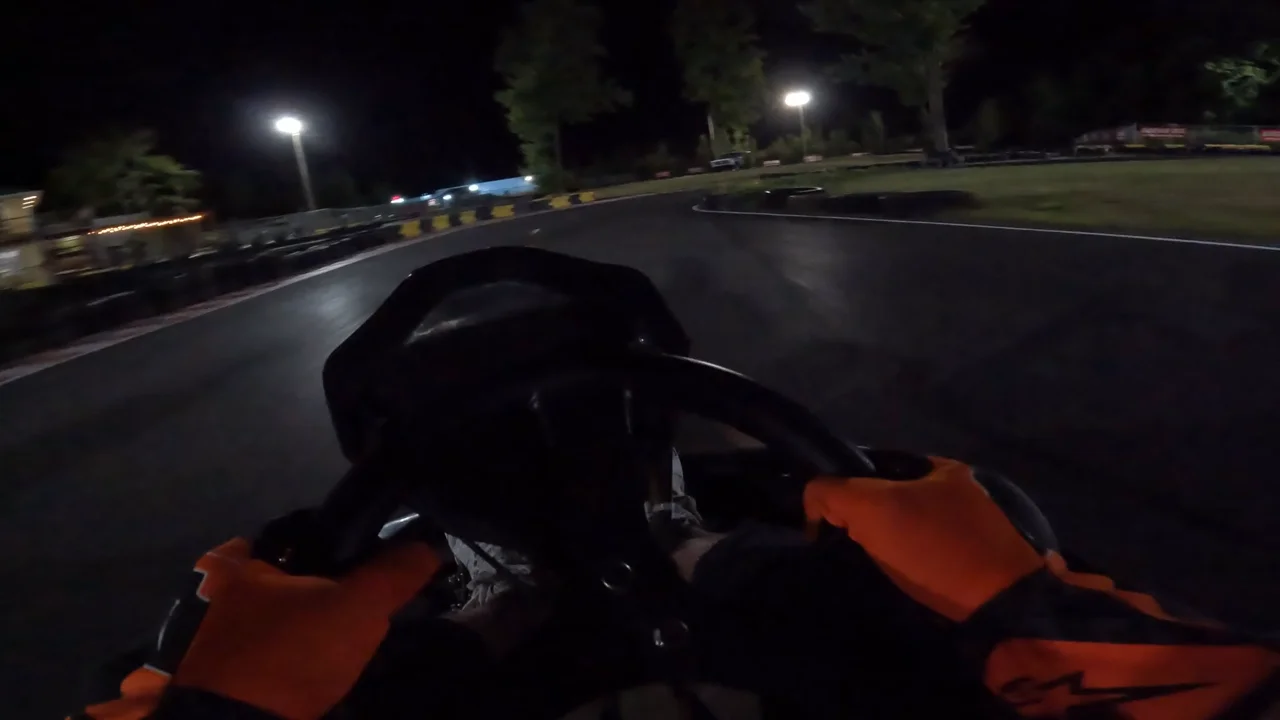 Karting St-Alphonse · GPS locked
Got a data logger too?
AiM (MyChron) and Alfano CSV exports add RPM, water temperature and the dash’s own g-forces. A timing sheet’s lap times can be imported too, for laps that match the official timing.